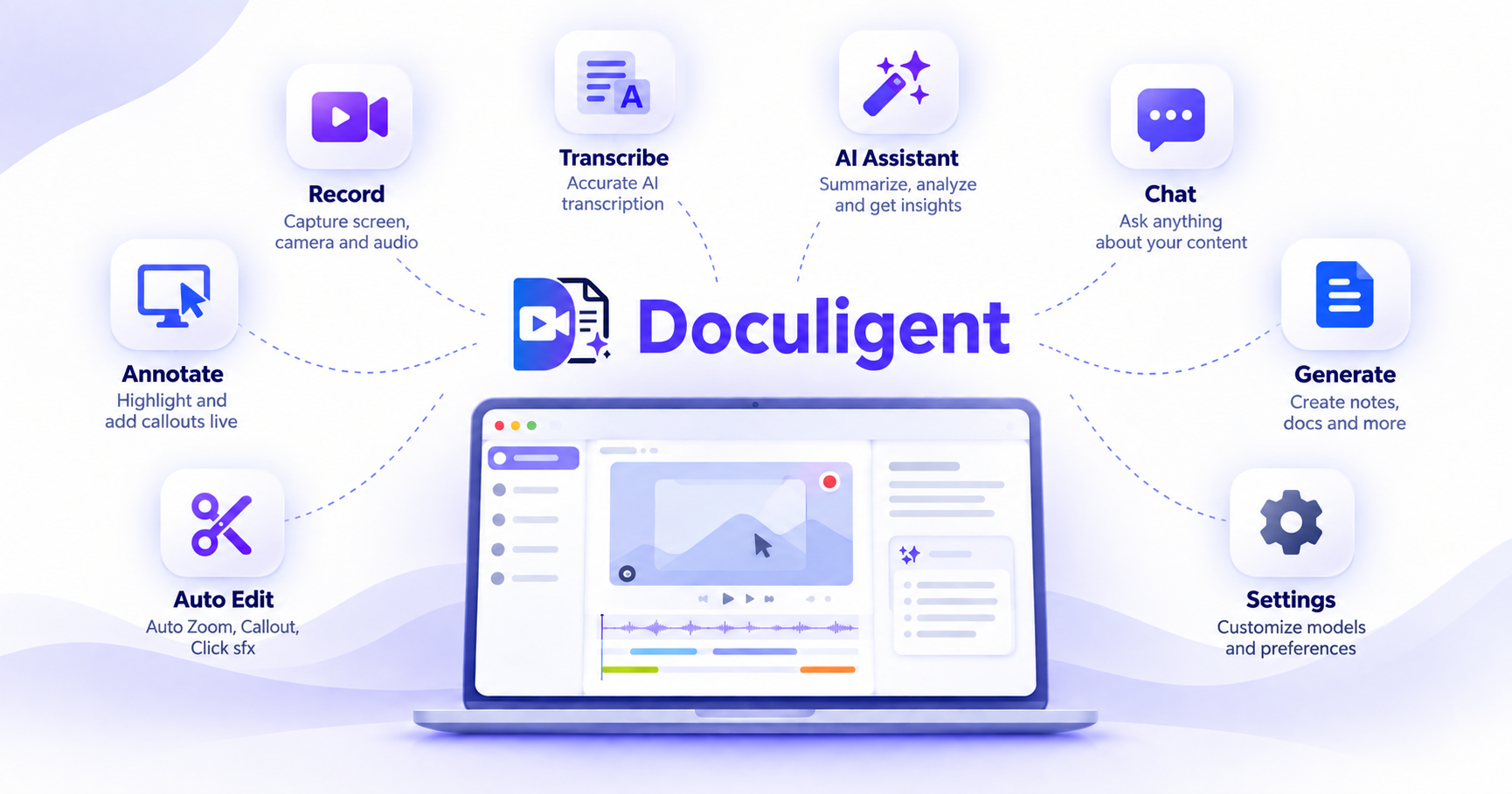
Record, edit, understand, share — your AI video and meeting assistant
From capture to AI-powered transcripts and summaries — here's everything Doculigent does, built to run entirely on your device.
AI summaries
Record your meeting, or drop in a video file, and Doculigent automatically generates a summary and notes — no prompting required.
Read more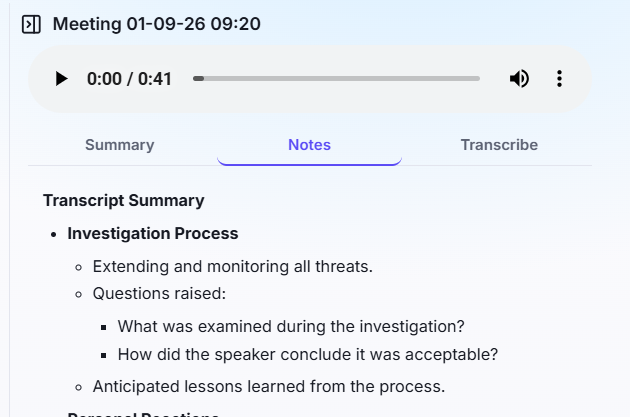
Chat with video
Ask questions about any recording — like "what decisions were made" — and get the answer back as a table, with a jump to the moment it happened.
Know more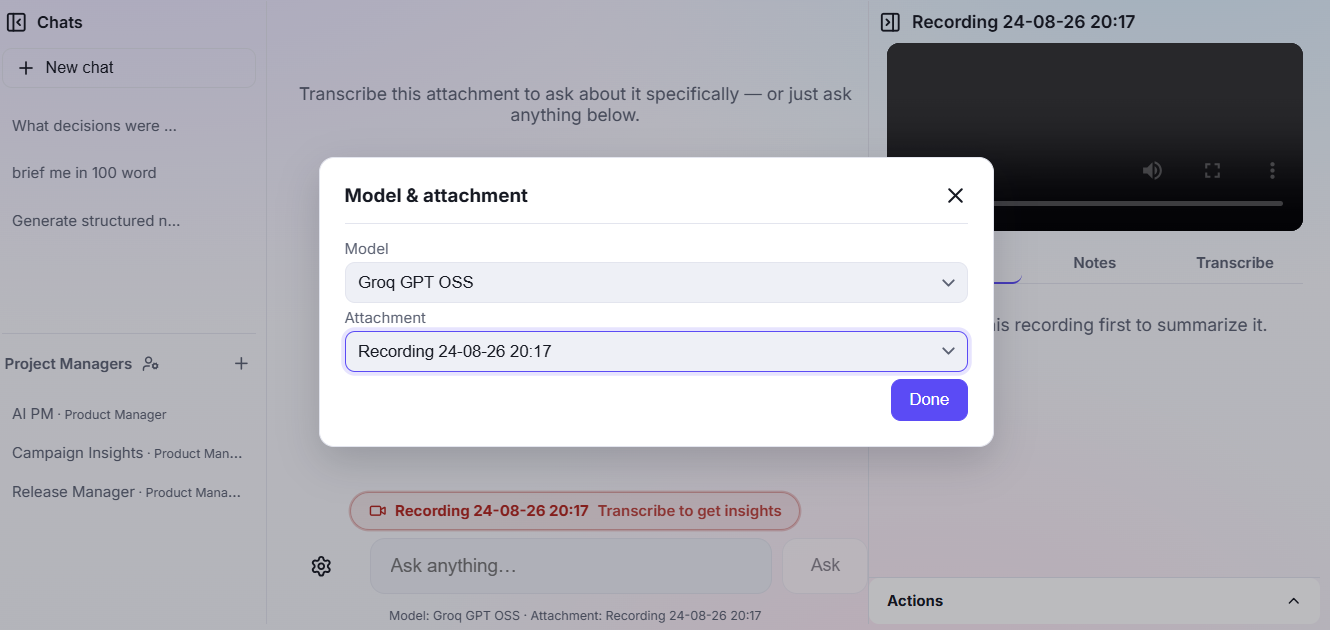
Live meeting transcripts
Live transcript of the meeting without joining the call — works with Teams, Zoom, and Google Meet.
Explore the feature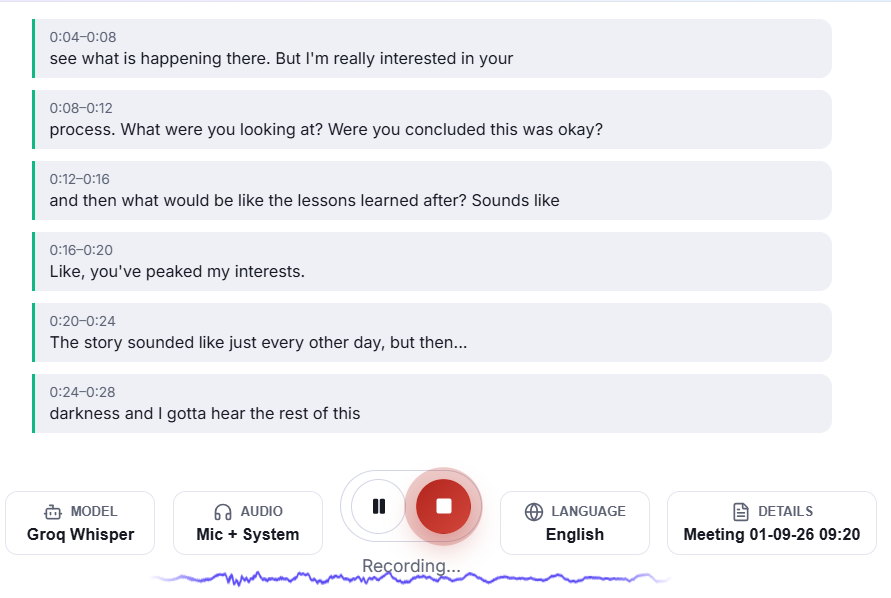
Share using S3
Store recordings and shared files in your own S3-compatible bucket, connected from a rebuilt Storage settings screen.
Know more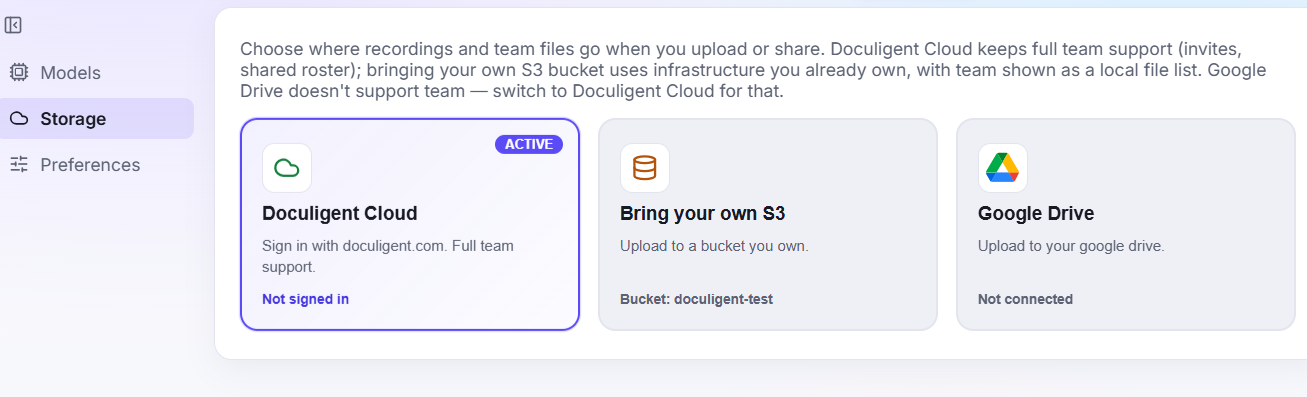
Share using Google Drive
Connect Google Drive directly and use it as a storage destination for recordings and shared files, alongside Doculigent Cloud and your own S3 bucket.
Explore the featureBring your own key
Local LLMs or your own API key — you control how the AI layer runs, and your files and chats stay on your device either way.
Read more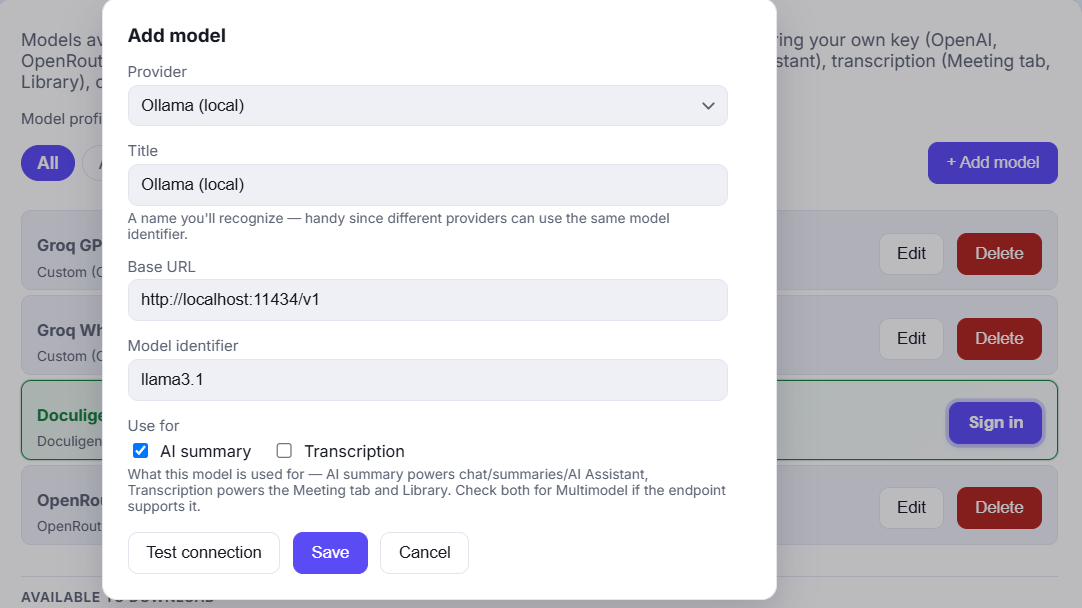
Bring your own storage
Store recordings and shared files in Doculigent Cloud, your own S3-compatible bucket, or Google Drive.
Know moreAdvanced recording & editing
Record in Advanced mode to keep screen, camera, and cursor as separate editable tracks, then polish them in the Timeline Editor with auto-generated zoom, camera and cursor styling, and a one-click reset back to the original recording.
Explore the feature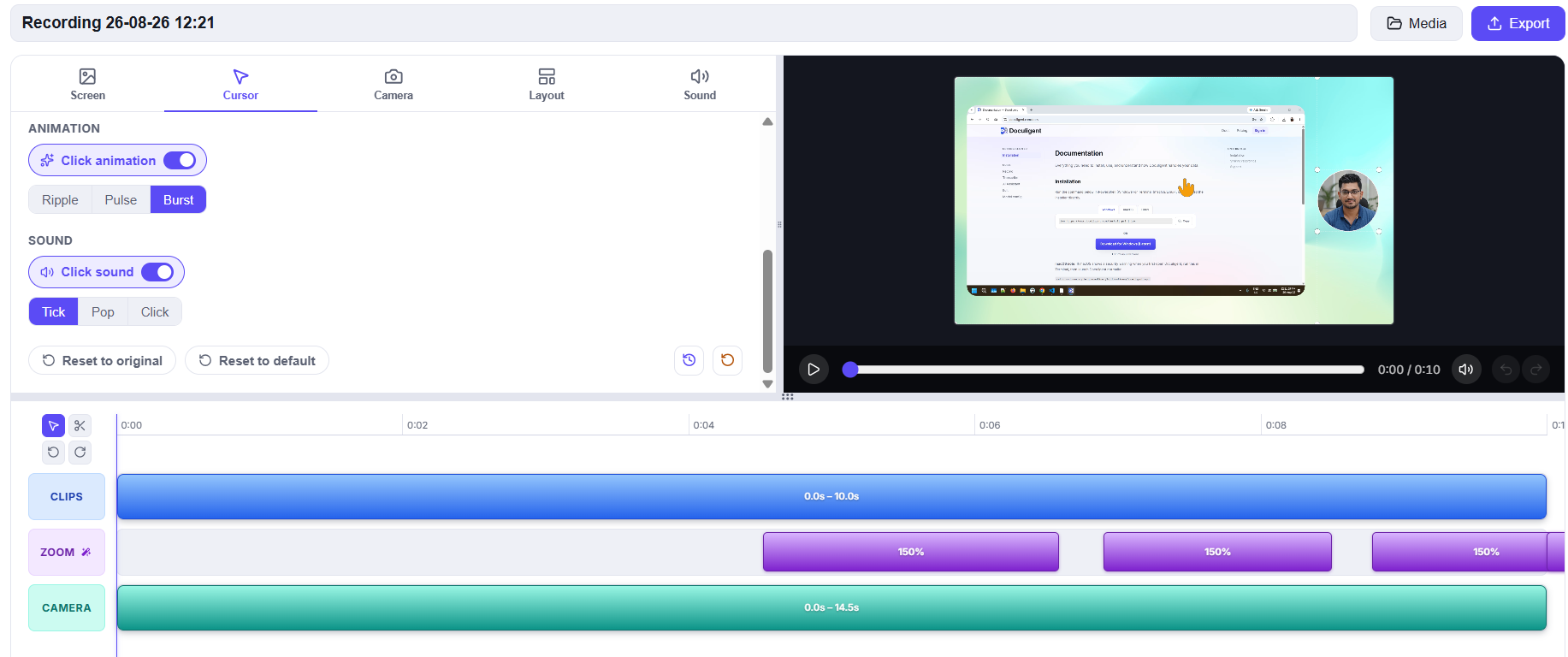
Camera bubble
Mirror, resize, reshape, and freely reposition the camera bubble while you record.
Read more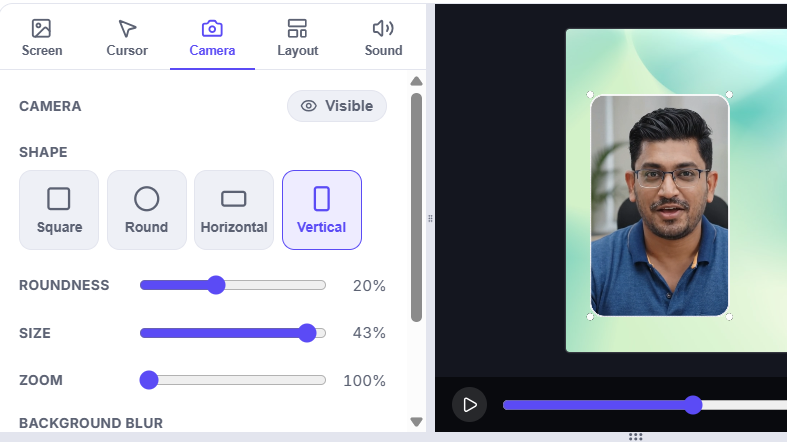
Cursor customization
Restyle the cursor and click highlights after recording, from a dedicated Cursor panel in the Timeline Editor.
Know more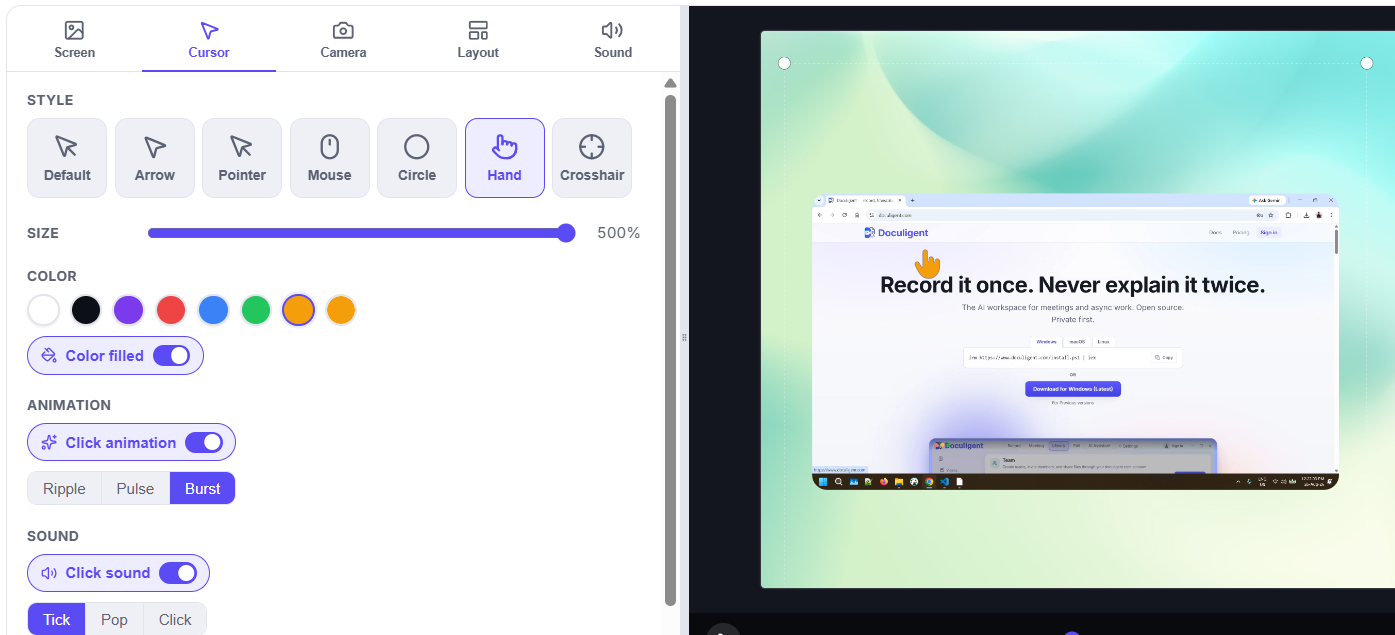
Record
Two ways to capture a session — a standard screen + camera recording, or a live transcript of a meeting without a bot joining.
Explore the featureAI Assistant
Turn a recording into a summary, and ask questions about it directly.
Explore the featureInstall Doculigent
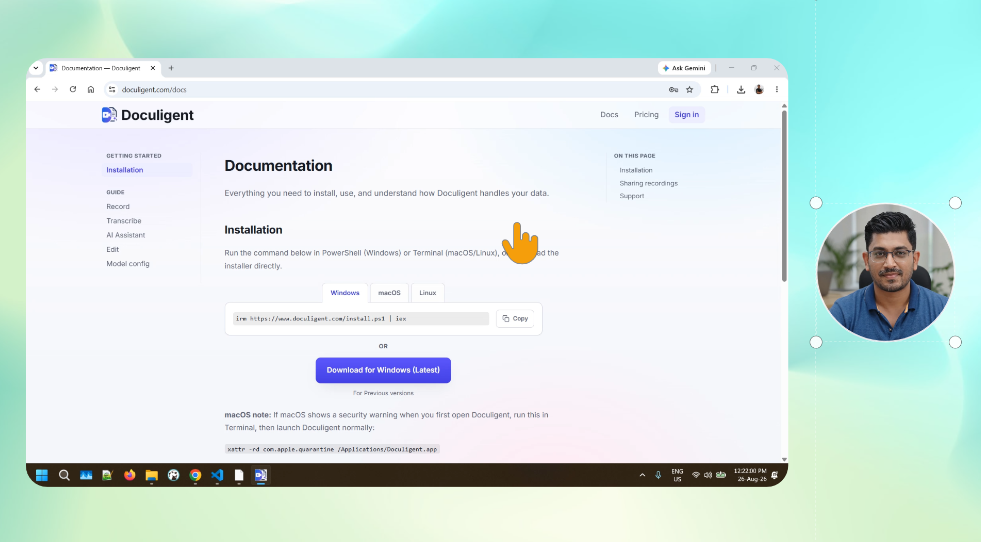
Install Doculigent on Windows, macOS, or Linux — one command, or a direct download, and you're recording in minutes.
Know more