Choose the bubble's shape — Round, Vertical, or Horizontal rectangle — then resize it, reposition it anywhere on screen, apply background blur, or zoom in on your camera for a closer shot.
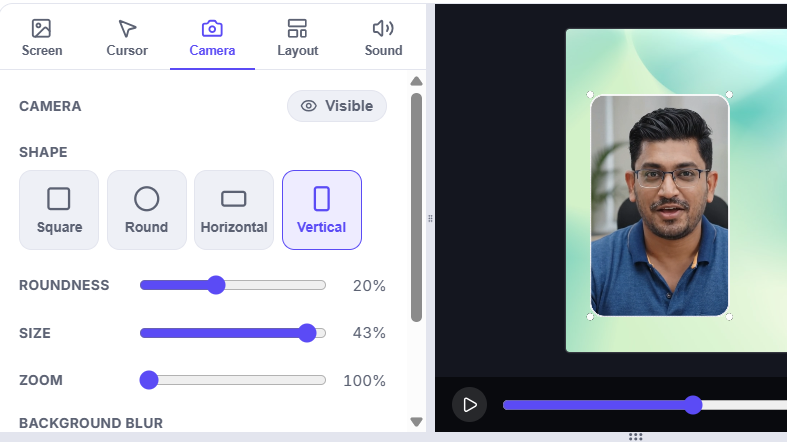
Mirror, resize, reshape, and freely reposition the camera bubble while you record.
Related features
Related posts

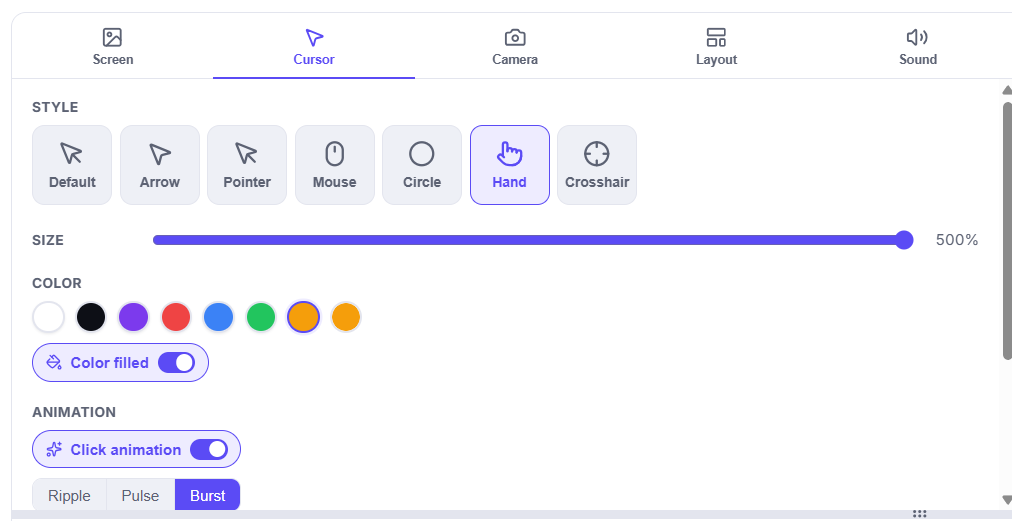
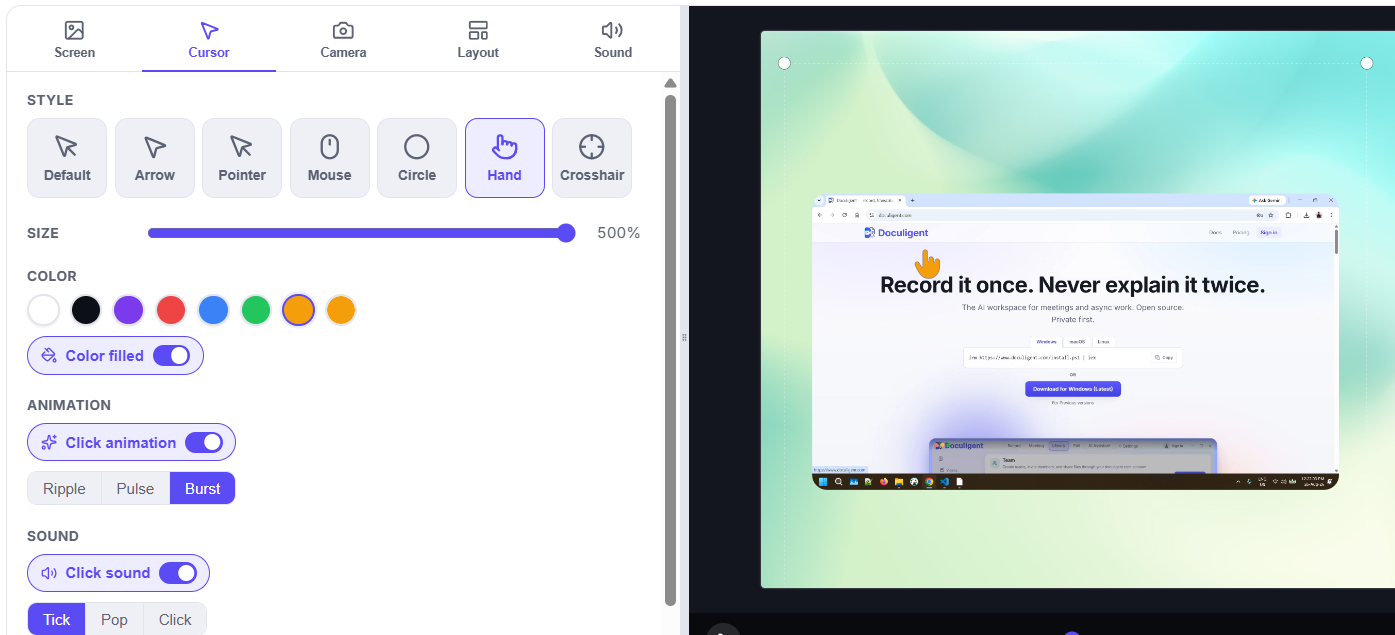
How to customize your cursor after recording
Doculigent's Timeline Editor gives you a dedicated Cursor panel to restyle appearance and click highlights after the fact — here's how to use it.

Best Screen Recorder Tools: What to Look For in 2026
What separates a good screen recorder from a great one in 2026 — recording, editing, AI transcription, privacy, and how to actually compare tools.