Run the command below in PowerShell (Windows) or Terminal (macOS/Linux), or download the installer directly for your platform.
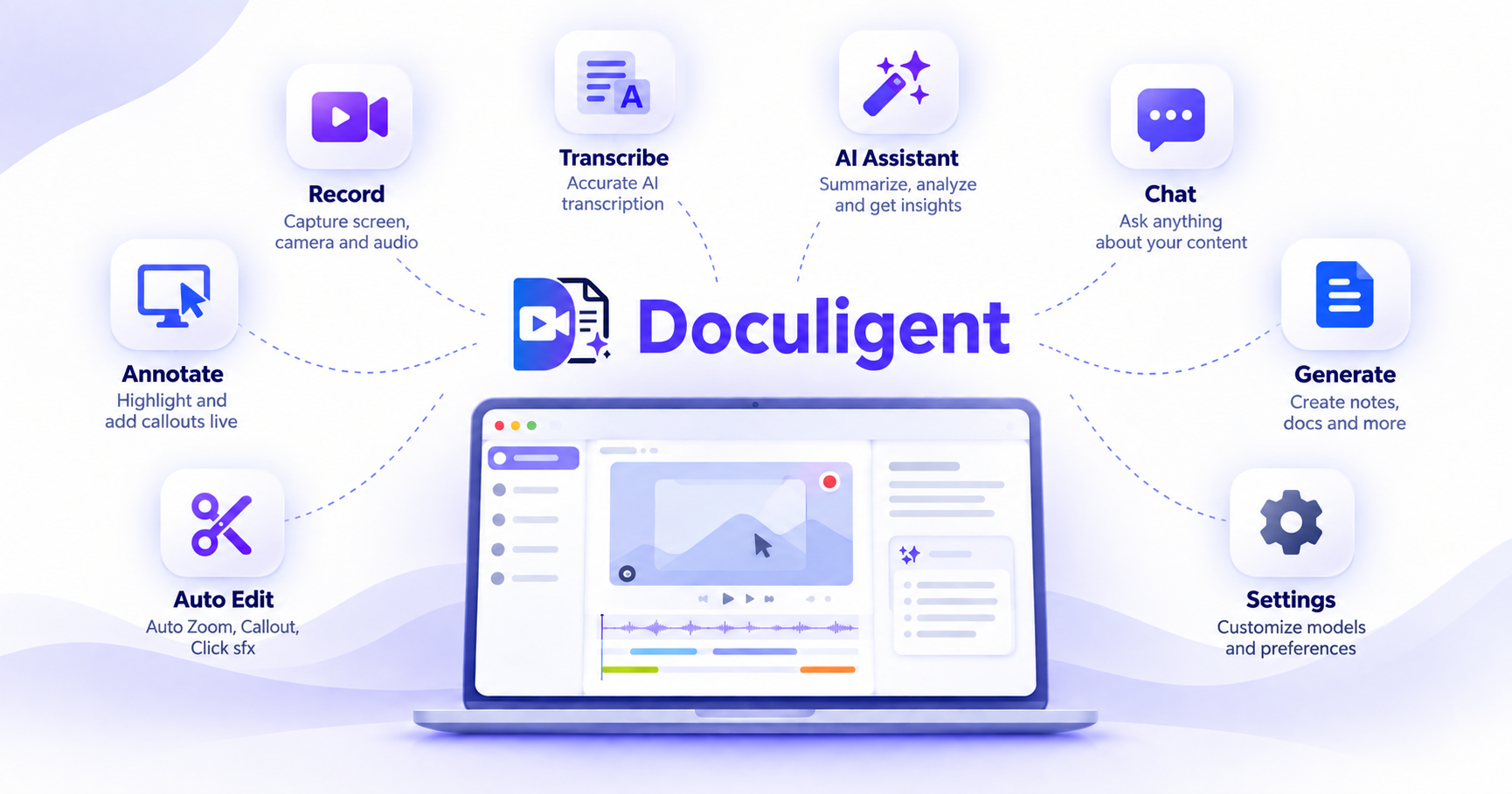
Once it's installed, jump into Record to capture your first screen recording or meeting.
macOS note: If macOS shows a security warning when you first open Doculigent, run this in Terminal, then launch Doculigent normally:
xattr -rd com.apple.quarantine /Applications/Doculigent.app