Record
Capture screen, camera, and mic audio in one pass, up to 4K.
Screen recording, Auto editing, and the AI workspace for meetings and async work. Open source. Private first.
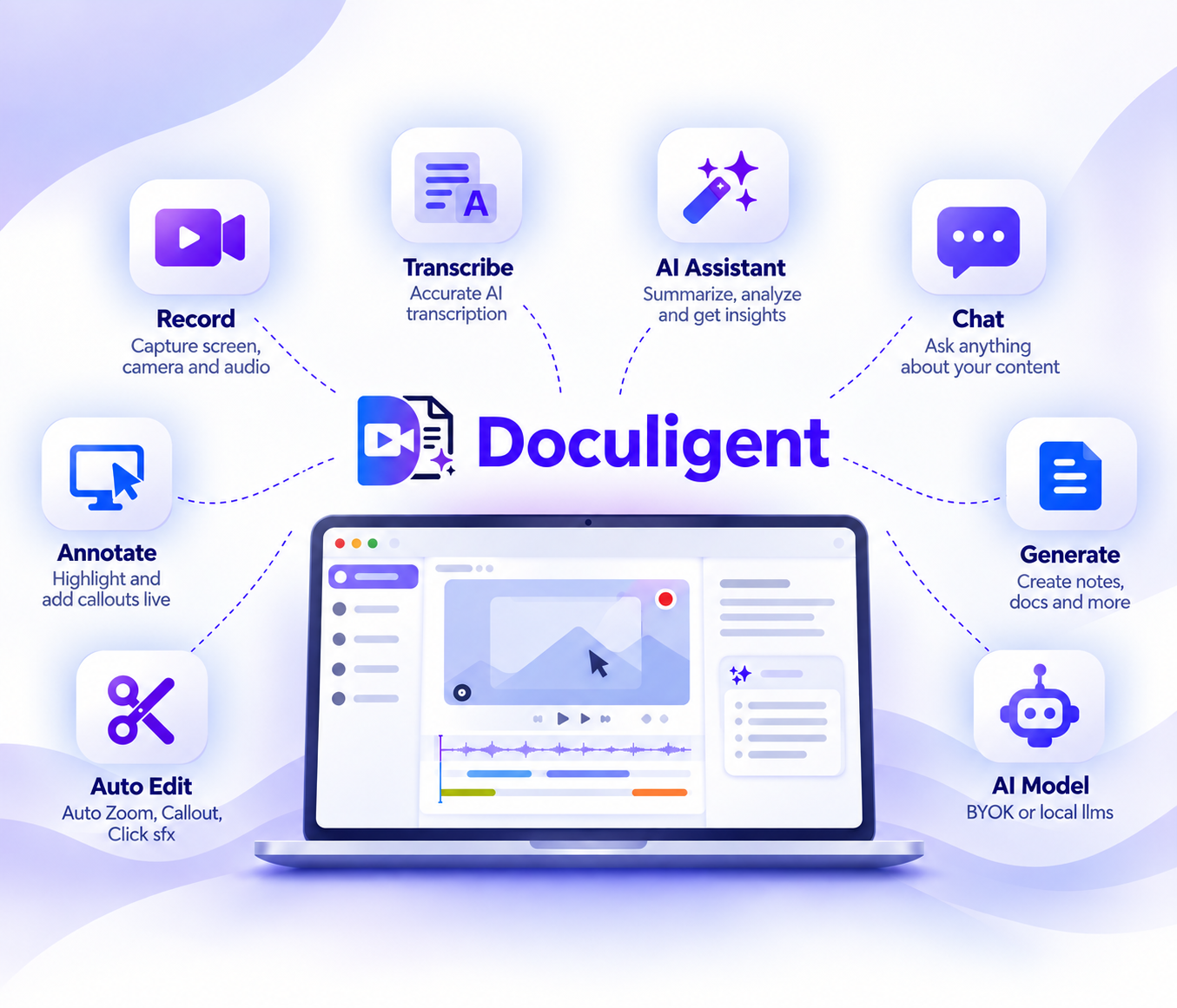
From your first recording to a polished, shareable video — Doculigent handles the editing, transcription, AI, and delivery in one workflow.
Capture screen, camera, and mic audio in one pass, up to 4K.
Auto zoom, callouts, and click sound effects — no manual editing.
Accurate, speaker-separated transcription, on-device by default.
Summarize a session and ask questions about it, instantly.
Ask anything about your content and jump straight to the answer.
Highlight, circle, and add callouts live while you record.
Share instantly with Google Drive or your own S3 bucket.
Bring your own key, or run everything on local LLMs.
Auto zoom, 3D callouts, blur, click sound effects and more — with unlimited recording in 4K.
Try it freeNo bot joins the call. Doculigent streams a live transcript while the meeting's still happening — works with Teams, Zoom, and Google Meet.
Try it freeAsk a question about any recording and jump straight to the moment it happened, timestamp included. Recording done — GitHub, Slack, and Teams already know.
Try it freeLive, while the meeting's happening, or normal, straight off a recording — Doculigent transcribes either one, diarized, in whatever language the room is actually speaking, entirely on-device.
 English
 Mandarin
 German
 Spanish
 Korean
 French
 Japanese
 Portuguese
 Dutch
 Arabic
 Italian
 HindiEnglishMandarinGermanSpanishKoreanFrenchJapanesePortugueseDutchArabicItalianHindi
I use Doculigent for every YouTube video I make — animated zoom on every click, 3D callouts, and click sound effects, all automatic. My tutorials look edited without me ever opening a timeline.
YouTube creator · tutorialsWe stopped scheduling “quick syncs” just to explain a bug — now we record the screen and Doculigent writes the summary.
Engineering lead · bug triageI record every customer interview with it. The diarized transcripts alone paid for themselves in the first week — I can search a meeting instead of rewatching it.
Product manager · customer interviewsWe use it for internal training sessions. Everything runs on-device — that was the whole reason we picked it over the alternatives.
IT admin · internal trainingOnboarding new hires used to eat a full day of live walkthroughs. Now I record once and Doculigent handles the rest.
Engineering manager · onboardingI use it for product demos and changelog videos. It's open source, it's fast, and it doesn't try to upsell me every time I open it.
Indie developer · product demosI email the recording instead of writing up a bug report now. Nobody's ever asked me to 'repro on a call' since.
QA lead · bug reportsIn daily standups, Doculigent's AI PM turns what we say into a written update everyone can skim before the next one starts.
Scrum master · daily standupsEvery sales call gets its own AI PM now — next steps and follow-ups drafted before I've even left the room.
Sales lead · customer callsFor our docs site I record short how-to clips. Auto zoom and click sounds keep every step readable, even on a phone.
Developer advocate · docs videosOn support calls I ask the recording questions and jump straight to the moment it answered. It beats scrubbing through an hour of video.
Customer success manager · support callsFor vendor security reviews, bring-your-own-key with a local model fallback meant our security team signed off in one meeting.
Security engineer · vendor reviewsDoculigent's app is fully open source — read the code, file an issue, or ship a pull request.